



Maisonroll App
The Maisonroll app delivers the full casino experience to phones and tablets without a separate download. It runs as a progressive web application inside the browser, which keeps the interface identical to the desktop version and leaves device storage largely untouched. This page walks through how the Maison Roll app performs on Android and iOS, and it also covers the equivalent access point for desktop users.
The Maisonroll app updates itself automatically and keeps deposits, bonuses, and account settings synced with the desktop version.



Maisonroll Mobile Casino
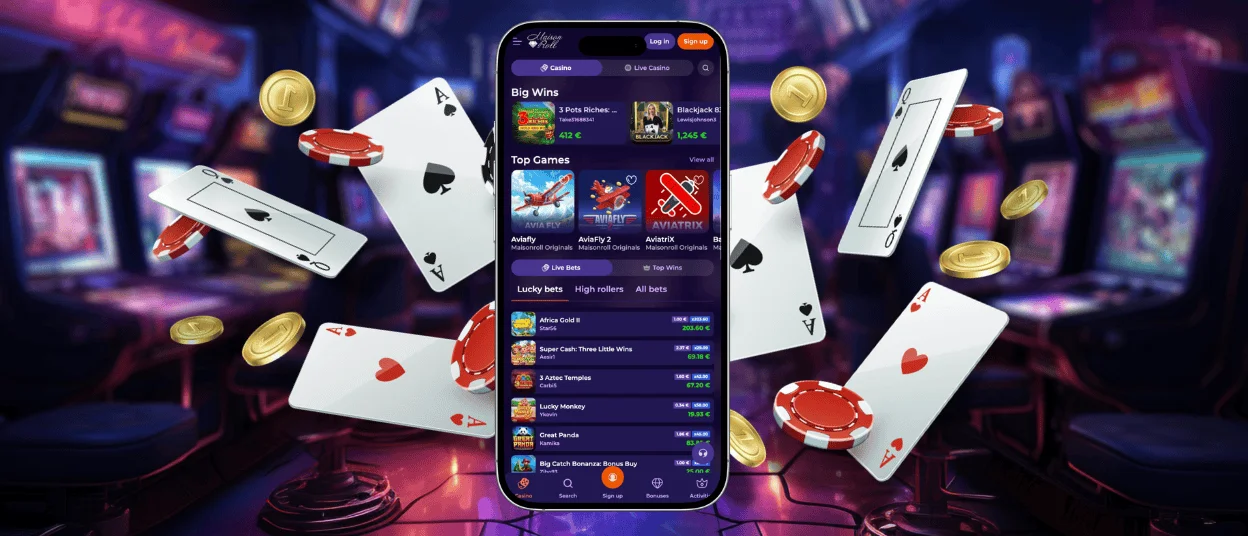
The mobile version of Maisonroll mirrors what a desktop player sees, adjusted for a smaller screen. The layout adapts to different screen sizes automatically, and touch input responds without noticeable delay during a session. Slot titles load within a few seconds, and live dealer tables stream at a usable quality even over a standard 4G connection.
Account management is available from a handheld device at every step. The wallet opens in one tap, and a completed deposit is reflected in the balance right away. The bonus section refreshes automatically, so the current status of an active offer is always visible. Support is reachable through live chat at any hour, and push notifications flag tournament updates along with new free spin offers as they appear. A favorites tab keeps frequently played titles within easy reach.
Advantages of the Progressive Web App Format
Maisonroll relies on progressive web app technology rather than a traditional downloadable file. This choice shapes most of what stands out about the mobile experience. The main advantages include the following:
- Quick setup: the app opens from a home-screen icon and installs from the browser in under a minute.
- Shared experience across devices: the same layout and feature set appear on mobile and desktop, so nothing changes format-wise between platforms.
- Automatic updates: improvements roll out from the server side, so a player always uses the latest version without manual action.
- Reduced storage use: only essential files are cached, which leaves more room on the device for other content.
A stable internet connection makes the biggest difference to session quality, and a recent browser version tends to unlock the best performance available. Players using older hardware can lower the graphics setting inside the lobby menu to keep loading times short.
Maisonroll App for Android
On Android, the Maisonroll app runs through the browser engine already installed on the device rather than through a separate executable. Memory use stays low, and the interface adjusts to the native screen resolution, which keeps visuals sharp on both budget and higher-end phones. Push notifications flag new promotions, and full-screen mode removes the browser bar during play. Testing across a wide range of hardware keeps performance consistent regardless of the device tier.
The table below outlines what an Android device needs for a comfortable session at Maisonroll.
| Requirement | Details | Why It Matters |
| Operating system | Android 8.0 or a newer version | Supports current security patches and stable performance |
| Browser | The latest build of Chrome or Firefox | Enables full-screen mode and push notifications |
| Connection | Wi-Fi or a fast 4G/5G mobile network | Keeps live tables and slot titles running without interruption |
| Free storage | About 50 MB of cached data | Shortens loading time on repeat visits |
Maisonroll on iPhone and iPad
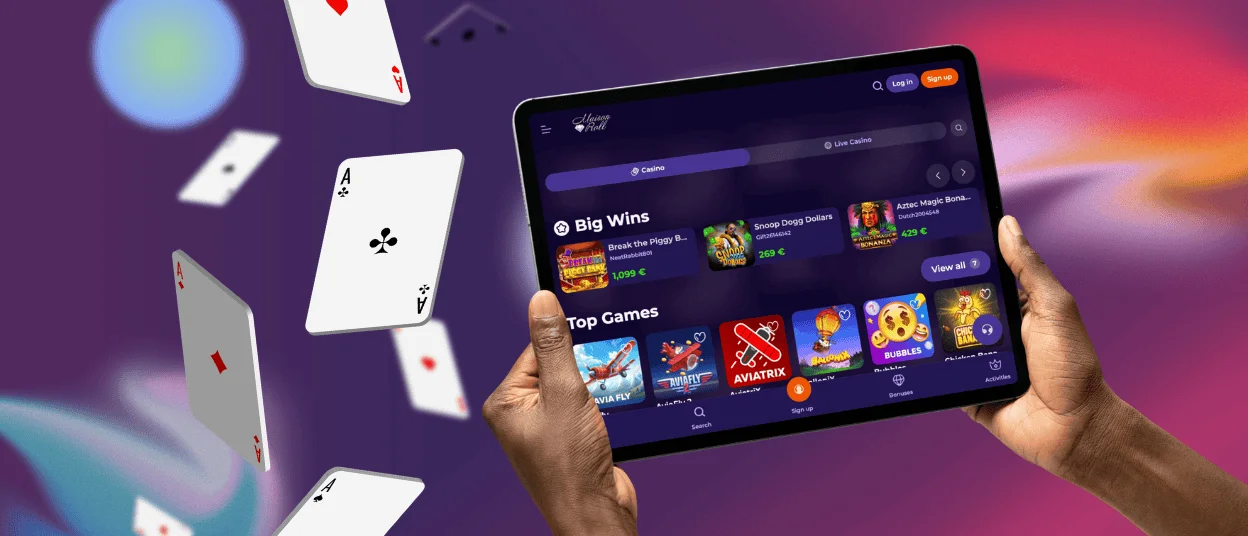
Apple devices run the Maisonroll platform through Safari, which provides close system-level integration. Hardware acceleration keeps motion smooth, and the setup uses less battery than a native app would over a similar session length. iPhone models from the iPhone 8 onward, along with every iPad on iPadOS 14 or newer, display games at full quality in either orientation.
Adding the icon to the home screen takes under a minute:
- Open the Maisonroll website in Safari.
- Tap the Share icon at the bottom of the screen.
- Select “Add to Home Screen” and confirm the name.
- Launch the new icon to enter full-screen mode.
Once this step is done, the app supports Face ID and Touch ID, so a returning player is recognized within a second of opening it. Games run on the same engine used on desktop, and the home-screen icon opens the lobby directly. Safari also securely stores login details, which shortens the time from opening the app to placing the first bet.
Maisonroll for Windows and macOS
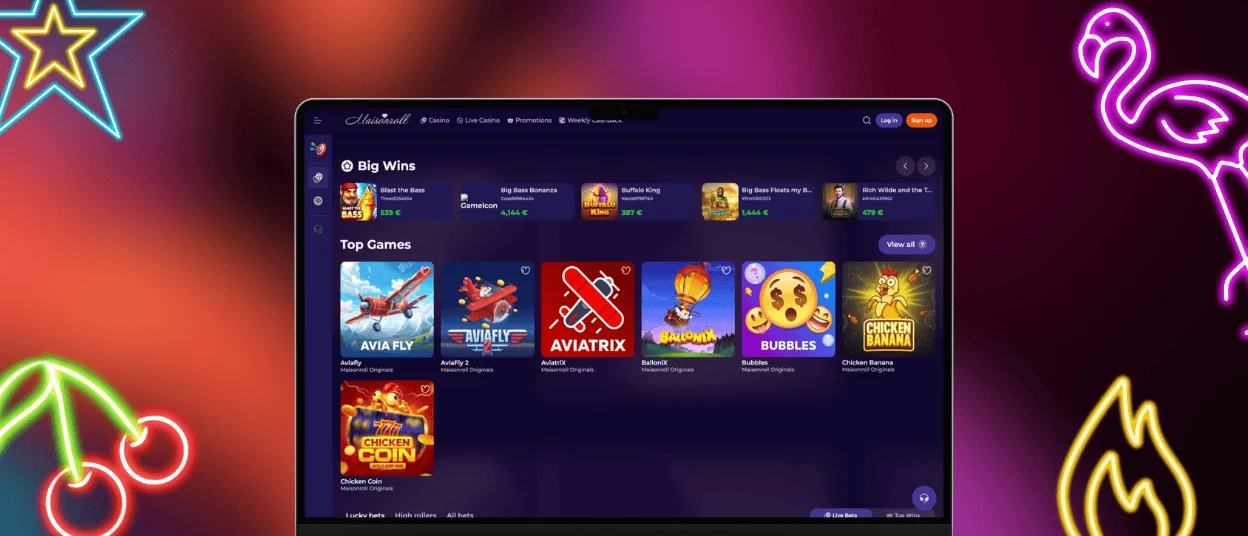
Desktop players reach Maisonroll through any modern browser without a separate download. A larger screen shows more of the lobby at once, and a mouse gives finer control in table games such as blackjack and roulette. Chrome and Edge users on Windows can install the platform as a standalone application with its own taskbar shortcut, and macOS users get the equivalent option in Safari. The desktop format suits longer sessions, since a stable setup keeps focus on the game itself rather than the browser around it.
Account data stays synced between platforms automatically. Balance figures and active bonuses match across devices, along with saved settings, so a session that starts on a desktop can continue without interruption on a phone running the Maison Roll app.
PWA Security
Security applies the same way across every device running Maisonroll. The progressive web app operates over HTTPS, and TLS encryption protects data moving between a device and the platform’s servers. The browser also keeps the application inside a sandboxed environment, which limits its access to files stored elsewhere on the device. Updates apply automatically from the server side, so a current, fully patched version is always in use.
Verification also runs directly inside the app: you just upload documents through the account area, and the review typically completes within 48 hours. Biometric login and optional two-factor authentication provide additional protection for each account.
FAQ
Are all games available in the Maisonroll app?
Yes. The mobile version opens the same catalog available on desktop, and new releases reach phones and tablets on their launch day. Demo mode also works on mobile, so a new title can be tested with virtual credits before a real bet is placed.
Is an APK file needed to install the Maisonroll app on Android?
No separate APK is required. Every file loads over an encrypted HTTPS connection directly from the platform’s own servers. The browser checks the source of each file automatically, and updates on the server side close potential gaps before they reach a device.
Can I stay logged in on the Maisonroll mobile site?
Yes, a personal device can remain signed in between sessions. Credentials are stored in encrypted form, and biometric confirmation through Face ID or a fingerprint sensor speeds up each return visit. A manual logout is recommended on shared devices, and the support team can adjust session settings on request.
Does the mobile app use more data than the desktop site?
Slot titles use a modest amount of data during a typical session. Live dealer games stream video continuously, so their data use adds up faster. Wi-Fi tends to be the steadier option for live tables on a limited connection. Slot and crash sessions run comfortably on mobile data by comparison.
Can the same account be used across multiple devices?
Yes. Balance, active bonuses and favorites sync automatically across devices at every login, regardless of which one was used most recently.


